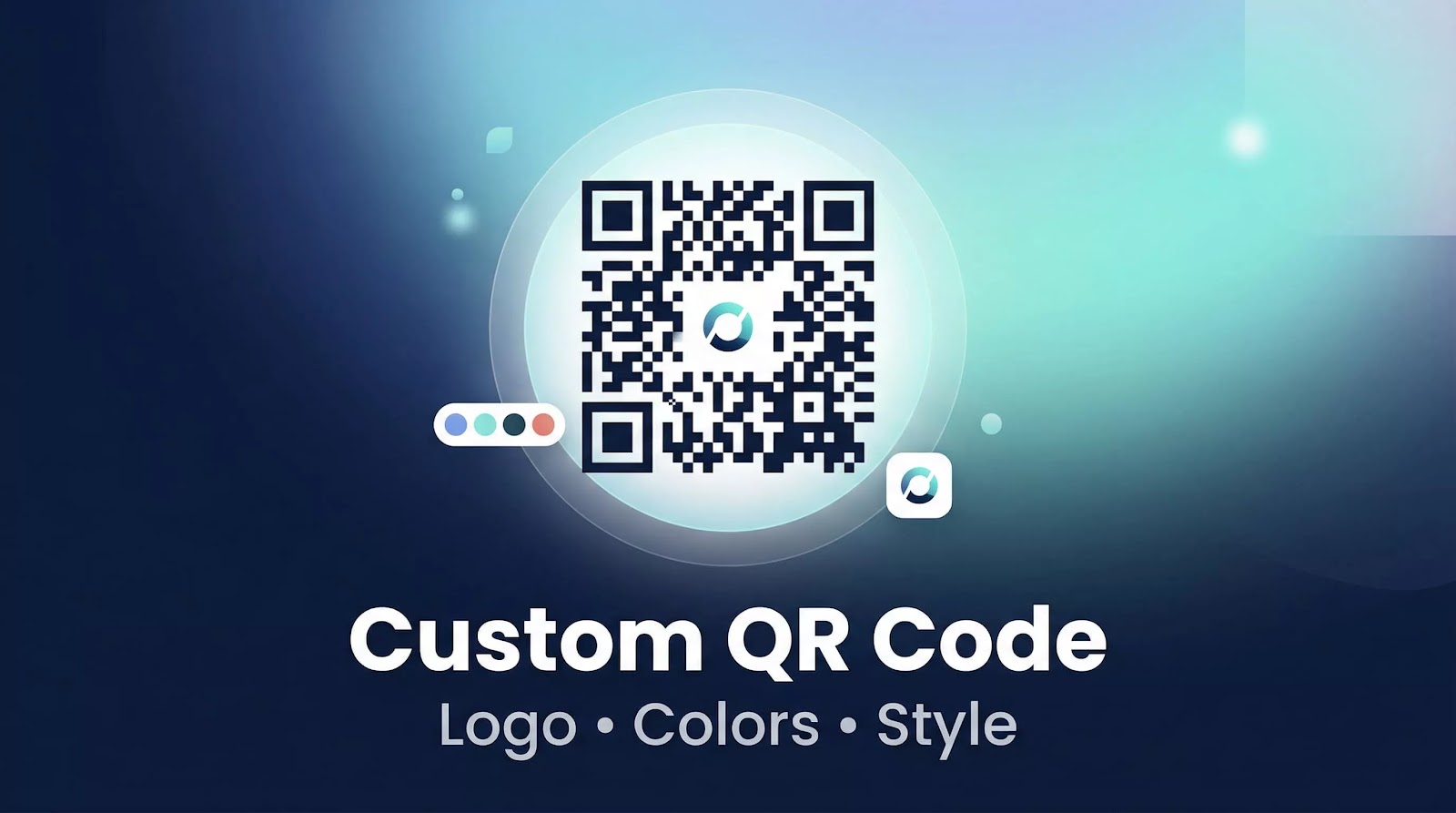
Custom QR codes are no longer just a visual upgrade — they are a key part of branding and user engagement. A powerful custom qr code generator allows users to create QR codes that match their identity while maintaining high scan performance.
In 2026, customization is essential for businesses, marketing campaigns, and digital experiences.
What Is a Custom QR Code Generator?
A custom qr code generator is a tool that allows users to design QR codes beyond the standard black-and-white format.
Instead of using default styles, users can:
- Add logos to QR codes
- Change colors and backgrounds
- Modify shapes and patterns
- Create branded QR codes
This transforms a simple QR code into a recognizable visual element.
Why Customize QR Codes?
Using a custom qr code generator with logo offers several advantages:
Branding
Adding a logo ensures brand recognition and consistency across all materials.
Visual Appeal
A qr code generator with color makes QR codes more attractive and noticeable.
Increased Engagement
Well-designed QR codes tend to receive more scans.
Professional Presentation
Custom QR codes improve the appearance of marketing materials, packaging, and digital assets.
🥇 Best Custom QR Code Generator — QR Codes
For fast, flexible, and reliable customization, QR Codes provides an efficient solution for creating branded QR codes.
Key Features:
- Free custom QR code generator
- Logo integration support
- Color customization options
- Clean and intuitive interface
- Supports multiple QR types (URL, WiFi, text…)
- High-quality output
- Unlimited usage
Why It Performs Well
A strong custom qr code generator should balance design and performance.
This platform allows users to customize QR codes easily while maintaining scan reliability, making it suitable for both personal and professional use.
Key Customization Features to Look For
When choosing the best custom qr code generator, focus on:
- Logo placement and sizing
- Color customization (foreground and background)
- Shape and pattern options
- High-resolution export
- Scan reliability
Avoid designs that reduce contrast or affect readability.
Best Use Cases for Custom QR Codes
A custom qr code generator with logo is widely used in:
- Marketing campaigns
- Product packaging
- Business cards
- Event promotions
- Social media and digital content
A well-designed qr code generator online improves visibility and interaction.
Design Best Practices
To ensure optimal performance:
- Maintain strong contrast between colors
- Keep the logo centered and properly sized
- Avoid overly complex patterns
- Test the QR code before publishing
A well-balanced custom qr code generator ensures both design quality and functionality.
Static vs Dynamic Custom QR Codes
Customization is available for both types:
- Static QR codes: simple and permanent
- Dynamic QR codes: editable and trackable
For most use cases, a custom static qr code generator is sufficient.
Performance and Compatibility
The best custom qr code generator tools ensure:
- Fast scanning across devices
- Compatibility with Android and iOS
- Stable performance in print and digital formats
A reliable qr code generator online guarantees consistent results.
Final Verdict
A high-quality custom qr code generator should combine design flexibility with performance.
QR Codes provides a simple and effective way to create custom QR codes with logos and colors without limitations.
Conclusion
Custom QR codes enhance branding, improve engagement, and create a more professional experience.
Using a custom qr code generator with logo allows businesses and individuals to stand out while maintaining usability and performance.