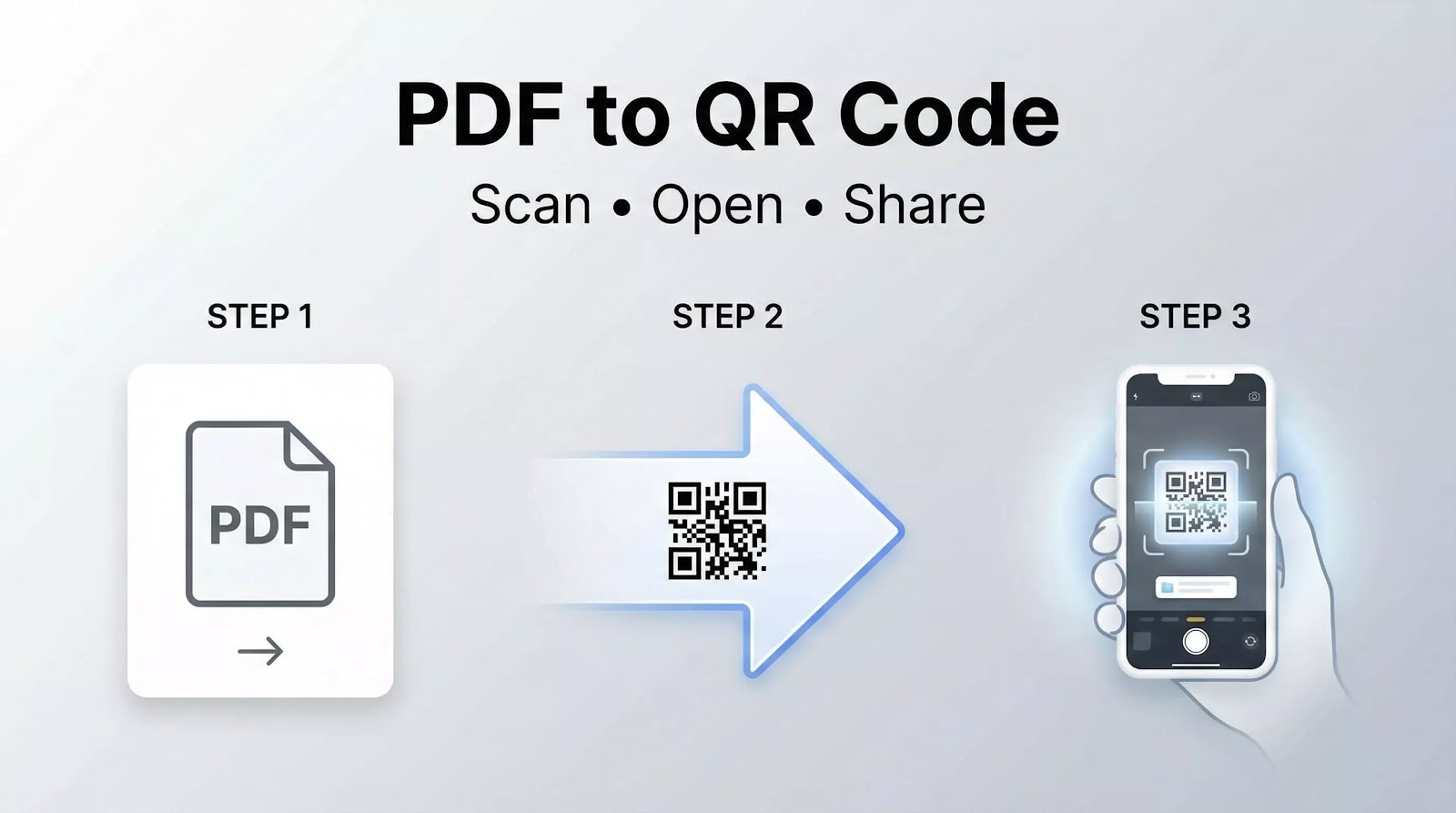
Sharing PDF files has become an essential part of modern communication. Whether for business documents, menus, presentations, brochures, catalogs, or educational materials, users need a fast and simple way to access files across devices.
A PDF to QR code generator makes this process easier by converting PDF documents into scannable QR codes that can be opened instantly using a smartphone or browser-based QR scanner.
Instead of sending long download links or attachments, users can simply scan a QR code to access the file immediately.
What Is a PDF to QR Code?
A PDF QR code is a QR code linked to a PDF document.
When scanned, the QR code opens the PDF file directly on the user's device.
This allows businesses, creators, and individuals to share digital documents quickly without requiring manual downloads or complicated file sharing methods.
How a PDF to QR Code Generator Works
A PDF to QR code generator converts a PDF file into a unique QR code connected to the uploaded document.
The process is simple:
- Upload the PDF file
- Generate the QR code
- Download the QR code image
- Share or print it anywhere
Once scanned, the document becomes instantly accessible.
Why Use QR Codes for PDF Files?
Using QR codes for PDFs offers several advantages over traditional file sharing methods.
Faster Access
Users can open files instantly by scanning the code.
No need to type URLs manually.
Easy Sharing
PDF QR codes can be printed or shared digitally across:
- Posters
- Business cards
- Packaging
- Flyers
- Restaurant tables
- Product manuals
Mobile-Friendly Experience
Most users access documents through smartphones.
QR codes simplify the mobile experience significantly.
Cleaner Presentation
Instead of displaying long links, QR codes create a cleaner and more professional appearance.
Common Uses of PDF QR Codes
PDF QR codes are widely used across different industries.
Business Documents
Companies use PDF QR codes for:
- Product catalogs
- Company profiles
- Reports
- Presentations
Restaurant Menus
Restaurants can provide digital menus through QR codes.
Customers scan and open the menu instantly.
Education
Teachers and schools use QR codes to share:
- Study materials
- Homework
- PDFs
- E-books
Events and Marketing
QR codes simplify access to:
- Event brochures
- Schedules
- Promotional materials
Static vs Dynamic PDF QR Codes
There are two main types of PDF QR codes.
Static QR Codes
Static QR codes contain fixed information.
Once created, the linked file cannot be changed.
Dynamic QR Codes
Dynamic QR codes allow users to:
- Update PDF files
- Track scans
- Monitor analytics
- Change destination links
Dynamic QR codes are more flexible for businesses and marketing campaigns.
Benefits of Dynamic PDF QR Codes
Using dynamic PDF QR codes provides additional advantages.
Edit Files Without Changing the QR Code
You can replace the PDF file while keeping the same QR code active.
Scan Analytics
Track:
- Number of scans
- Device types
- Locations
- User activity
Better Campaign Management
Dynamic QR codes help optimize marketing performance.
Features to Look For in a PDF QR Code Generator
A reliable tool should provide:
- Fast QR code generation
- High-quality downloads
- Mobile compatibility
- Secure file hosting
- Customization options
- Dynamic QR support
These features improve usability and flexibility.
Customizing PDF QR Codes
Modern generators allow customization such as:
- Colors
- Shapes
- Logos
- Frames
- Branding elements
Custom QR codes improve visual identity and engagement.
Are PDF QR Codes Safe?
PDF QR codes are generally safe when created through trusted platforms.
For security:
- Use HTTPS links
- Avoid suspicious sources
- Verify uploaded files
Security is important for both businesses and users.
PDF QR Codes for Marketing
QR codes help bridge offline and online experiences.
Businesses use them to:
- Increase engagement
- Simplify access to resources
- Improve user interaction
- Share downloadable content instantly
They are especially effective for print marketing.
Best Practices for PDF QR Codes
To ensure the best experience:
- Use high-resolution QR codes
- Test the QR code before publishing
- Keep file sizes optimized
- Use mobile-friendly PDFs
- Maintain strong contrast for printing
These practices improve scan reliability.
Final Thoughts
A PDF to QR code generator provides one of the fastest ways to share digital documents online and offline.
It simplifies access, improves user experience, and creates a more professional method for distributing PDF files.
Conclusion
PDF QR codes have become an essential tool for businesses, education, marketing, and digital communication.
By converting documents into scannable QR codes, users can share information instantly across any device with a faster and more convenient experience.